Black & White
Black Printer Test Page
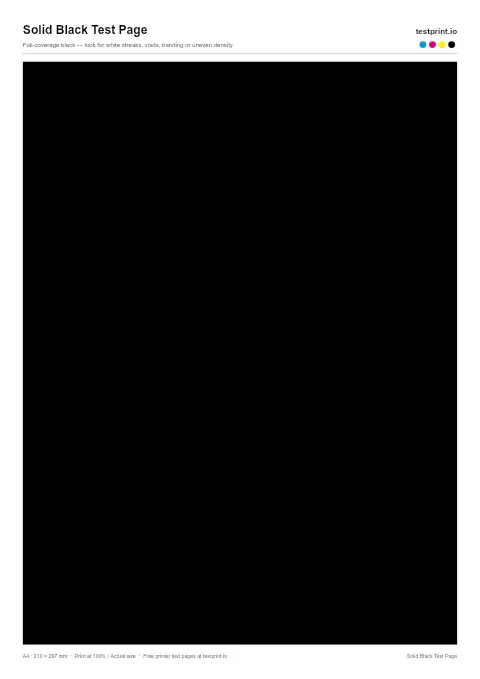
Print a solid black sheet to see missing areas, streaks, or uneven coverage with the all-black print test page.
Black & White test page
Use this printer test page black-and-white pattern to check black text sharpness/quality, gray areas, streaks, horizontal banding, and weak toner or ink coverage. Best for standard office documents, black-only printers, and basic print-quality checks.
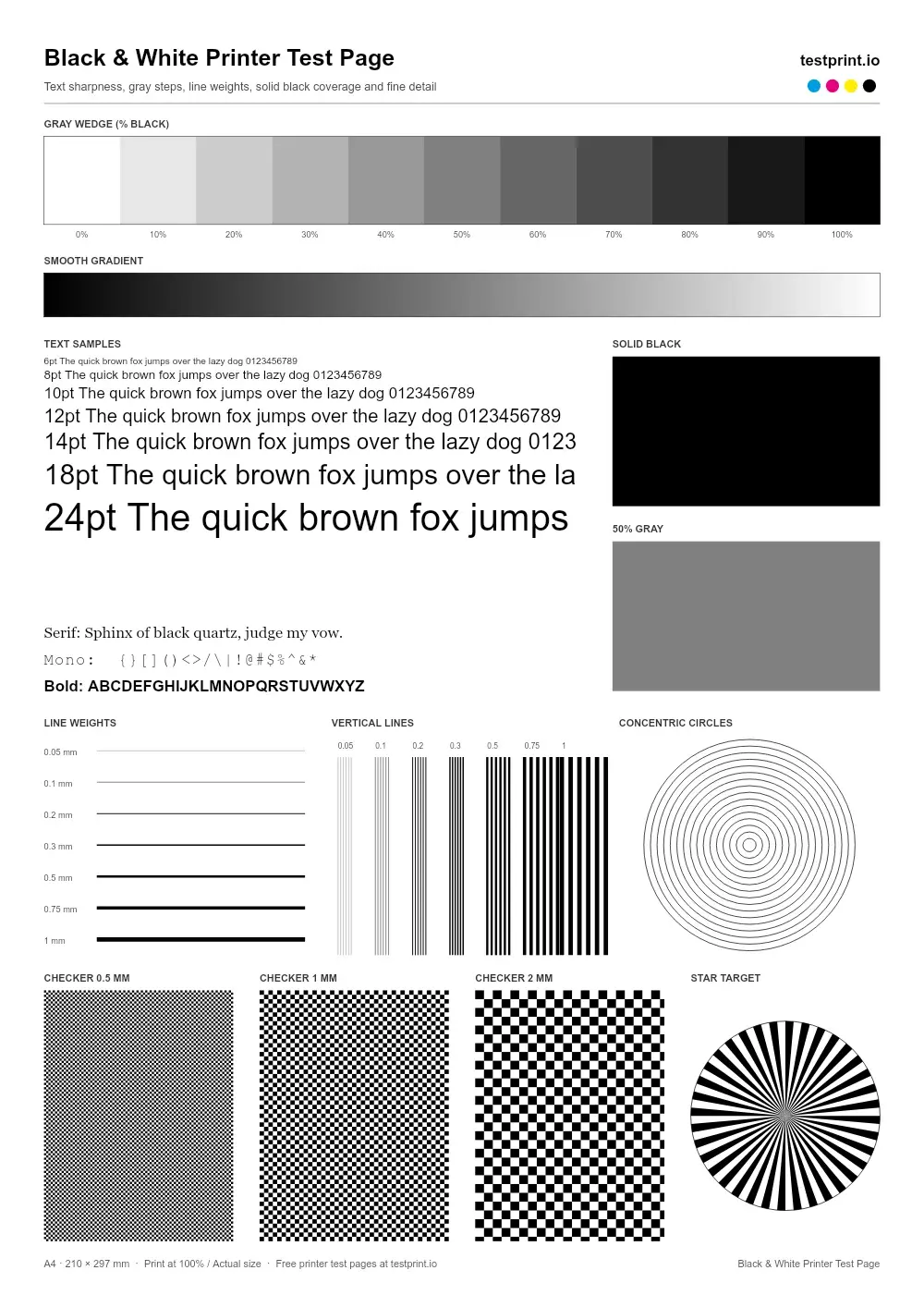
Live preview — the printed page is generated at 300 DPI
In the print dialog choose Actual size / 100% and turn off “Fit to page”.
Check ink or toner levels, connect the printer by USB or Wi-Fi, and load clean paper that matches the selected size.
Click Print to open your browser's print dialog, or download the PDF and press Ctrl + P (Cmd + P on Mac).
Select your physical printer, set scale to 100% / Actual size, and turn off Fit to page, grayscale and draft modes.
Let the ink dry, then check it under neutral light. Keep it to compare with a reprint after any fix.
Usually clogged nozzles (inkjet) or dirty rollers.
Low ink or toner, or draft / eco mode switched on.
Printhead misalignment — run an alignment routine.
Calls for printhead alignment and color calibration.
Brand-specific steps:
Black & White
Print a solid black sheet to see missing areas, streaks, or uneven coverage with the all-black print test page.
Black & White
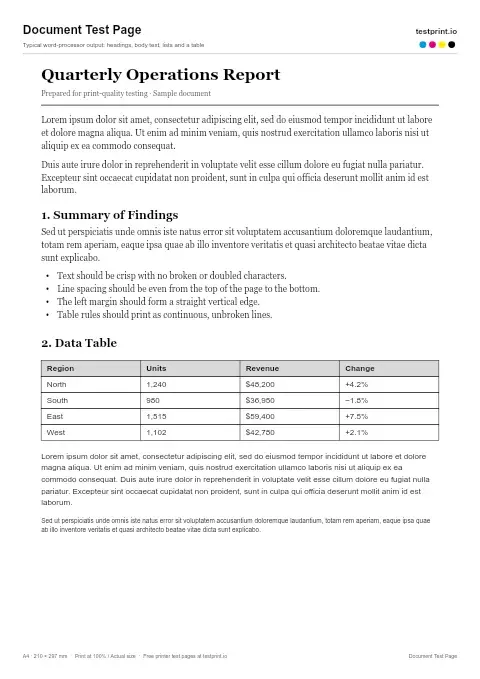
Prints plain text and Lorem Ipsum to check text readability, spacing, alignment, and how cleanly your printer handles a normal word/pdf document.
Black & White
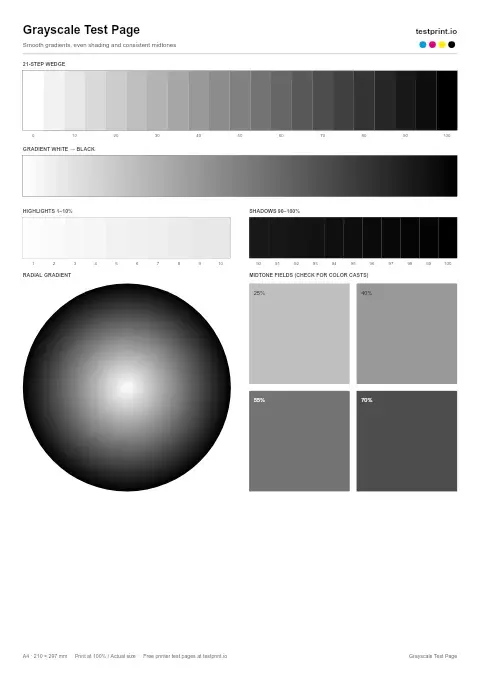
Prints shades from black to light gray to check smooth gradients, even shading, and consistent midtones. Best for checking grayscale photos, laser output, and inkjet shading.