Alignment
Alignment Grid Test Page
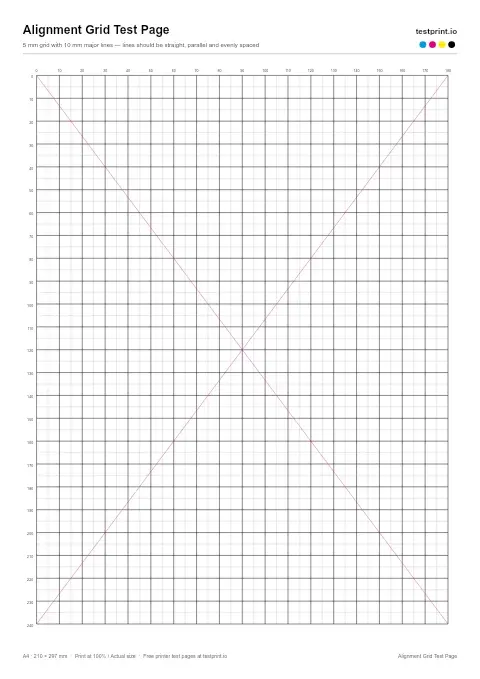
Use this structured grid page as it makes skewed lines and misaligned printheads easy to identify.
Alignment test page
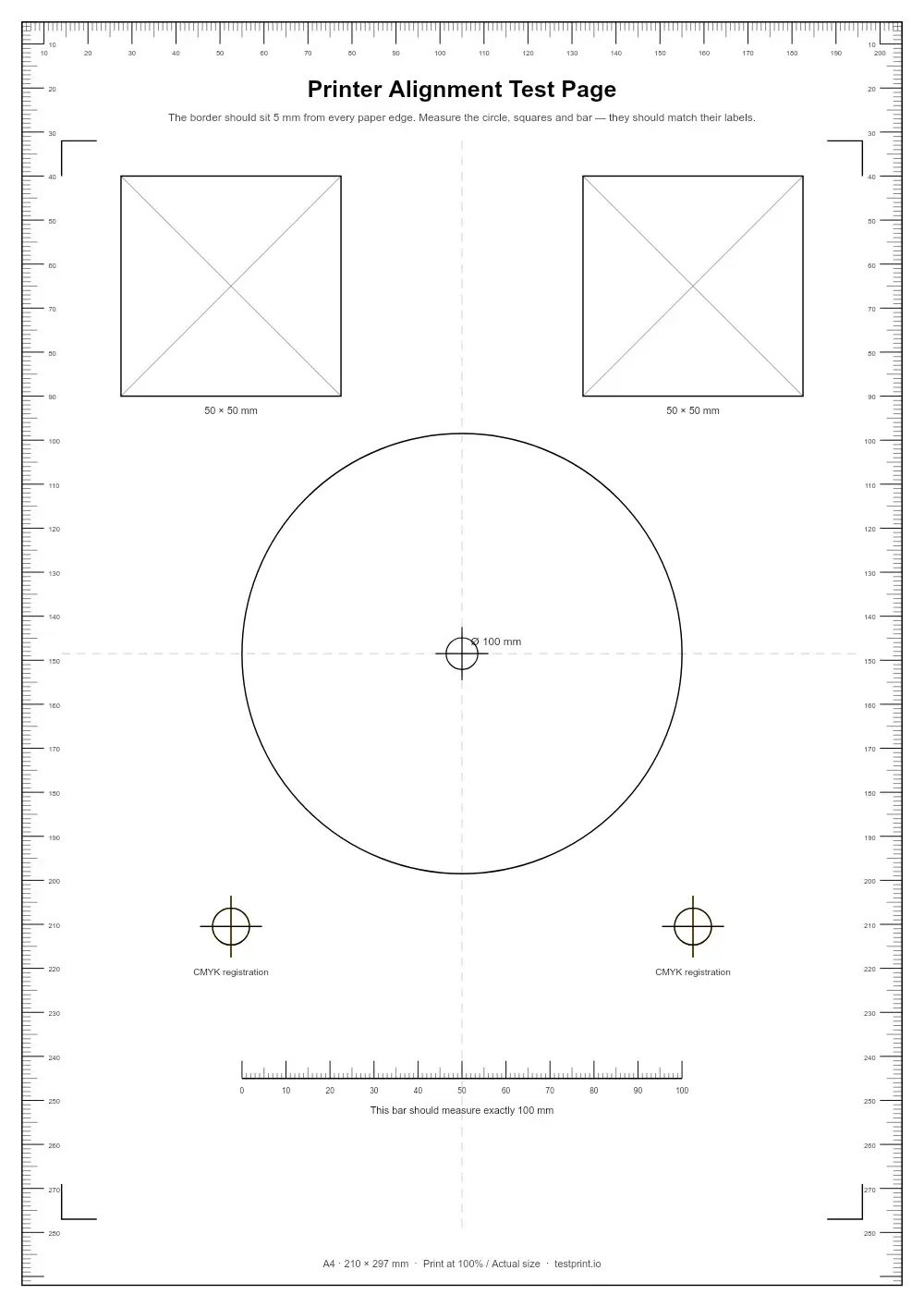
Use grids and borders to find crooked text, shifted printheads, or margins that print unevenly. Best for fixing alignment after installing, moving, or servicing a printer.
Live preview — the printed page is generated at 300 DPI
In the print dialog choose Actual size / 100% and turn off “Fit to page”.
Check ink or toner levels, connect the printer by USB or Wi-Fi, and load clean paper that matches the selected size.
Click Print to open your browser's print dialog, or download the PDF and press Ctrl + P (Cmd + P on Mac).
Select your physical printer, set scale to 100% / Actual size, and turn off Fit to page, grayscale and draft modes.
Let the ink dry, then check it under neutral light. Keep it to compare with a reprint after any fix.
Usually clogged nozzles (inkjet) or dirty rollers.
Low ink or toner, or draft / eco mode switched on.
Printhead misalignment — run an alignment routine.
Calls for printhead alignment and color calibration.
Brand-specific steps:
Alignment
Use this structured grid page as it makes skewed lines and misaligned printheads easy to identify.
Alignment
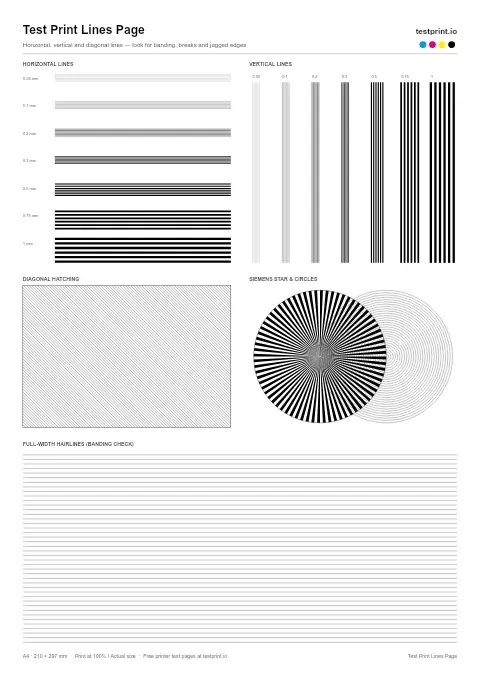
Fine lines running horizontally and vertically reveal banding, broken lines, and printhead misalignment.
Black & White
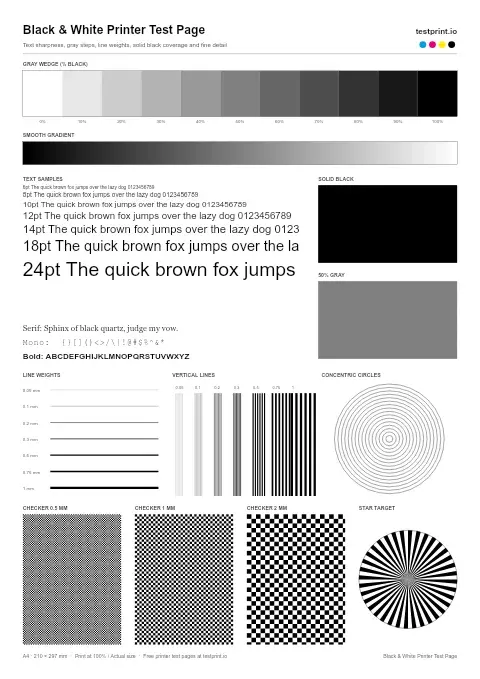
Use this printer test page black-and-white pattern to check black text sharpness/quality, gray areas, streaks, horizontal banding, and weak toner or ink coverage. Best for standard office documents, black-only printers, and basic print-quality checks.