CMYK
CMYK Test Page
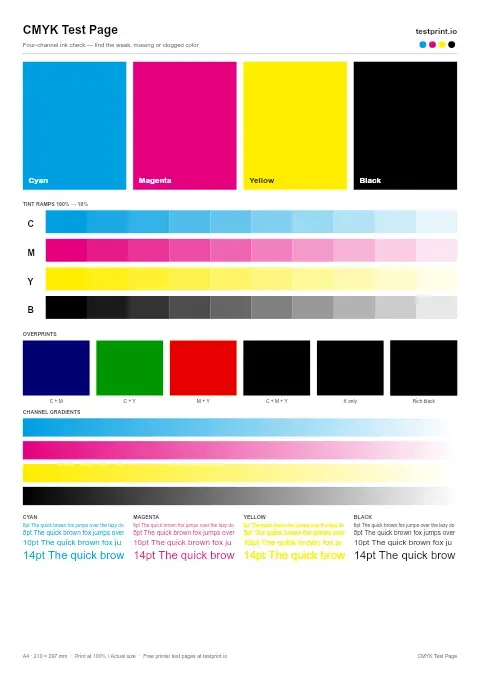
Print separate cyan, magenta, yellow, and black blocks to find the exact color that is weak, missing, or clogged. Best for cartridge problems, blocked nozzles, and targeted ink troubleshooting.
CMYK test page
Use this when cyan looks faded or missing to check bright, even cyan coverage.
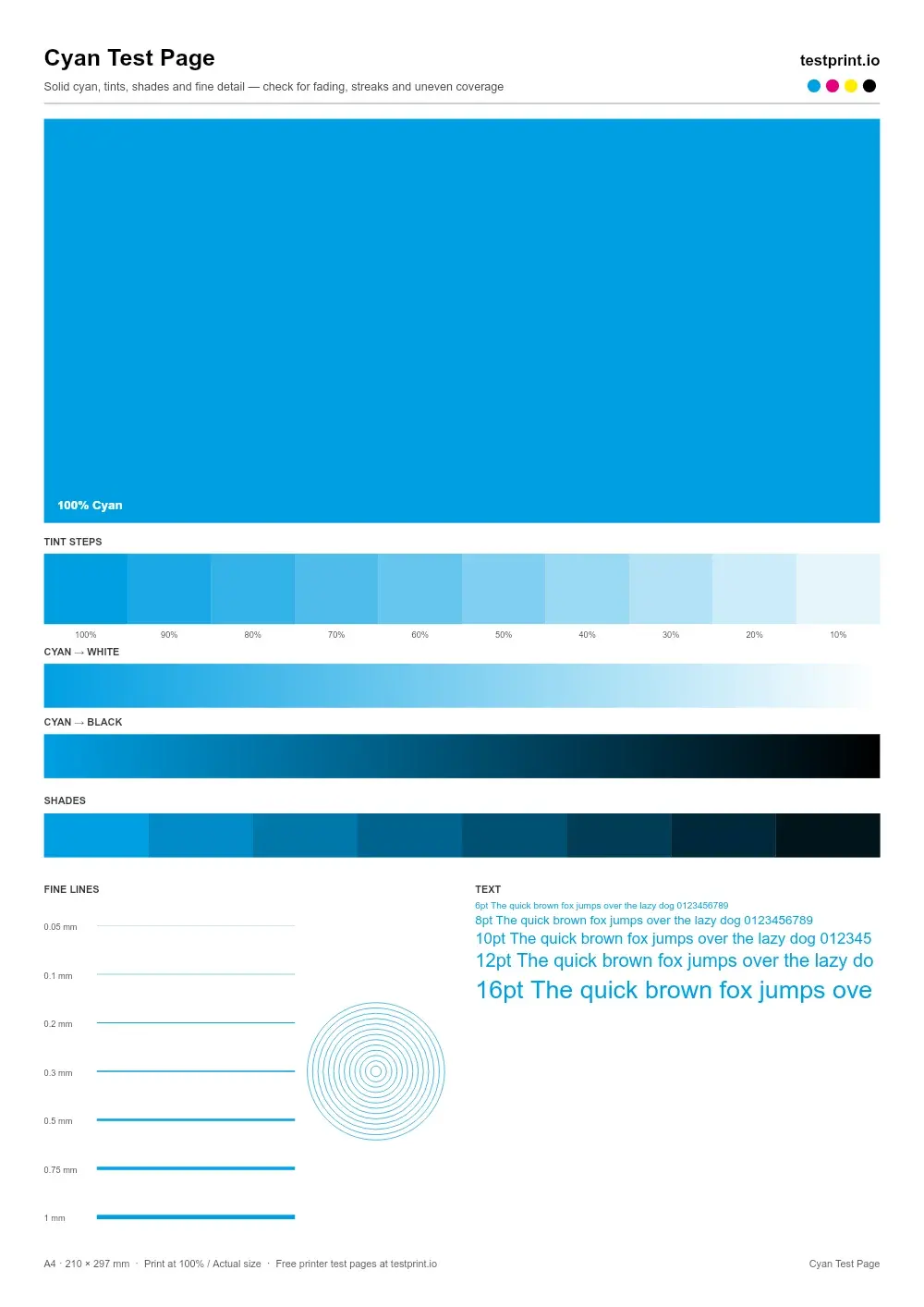
Live preview — the printed page is generated at 300 DPI
In the print dialog choose Actual size / 100% and turn off “Fit to page”.
Check ink or toner levels, connect the printer by USB or Wi-Fi, and load clean paper that matches the selected size.
Click Print to open your browser's print dialog, or download the PDF and press Ctrl + P (Cmd + P on Mac).
Select your physical printer, set scale to 100% / Actual size, and turn off Fit to page, grayscale and draft modes.
Let the ink dry, then check it under neutral light. Keep it to compare with a reprint after any fix.
Usually clogged nozzles (inkjet) or dirty rollers.
Low ink or toner, or draft / eco mode switched on.
Printhead misalignment — run an alignment routine.
Calls for printhead alignment and color calibration.
Brand-specific steps:
CMYK
Print separate cyan, magenta, yellow, and black blocks to find the exact color that is weak, missing, or clogged. Best for cartridge problems, blocked nozzles, and targeted ink troubleshooting.
CMYK
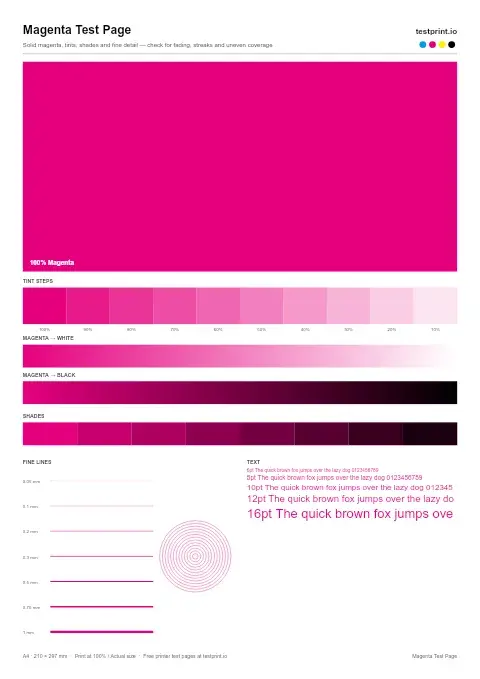
Apply this test when magenta looks weak or disappears from prints to check cartridge output.