Photo & Pro
High Resolution Color Test Image
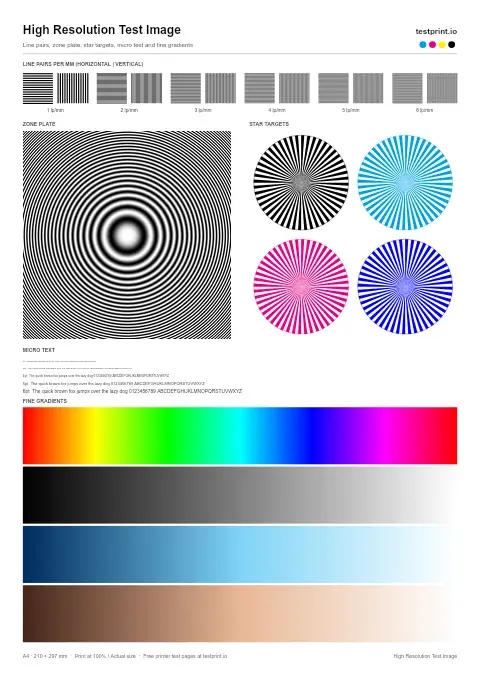
Use this high-resolution color printer test page when prints look blurry or lack fine detail.
Photo & Pro test page
This detailed photo print tests skin tones, gradients, shadows, and smooth color transitions.
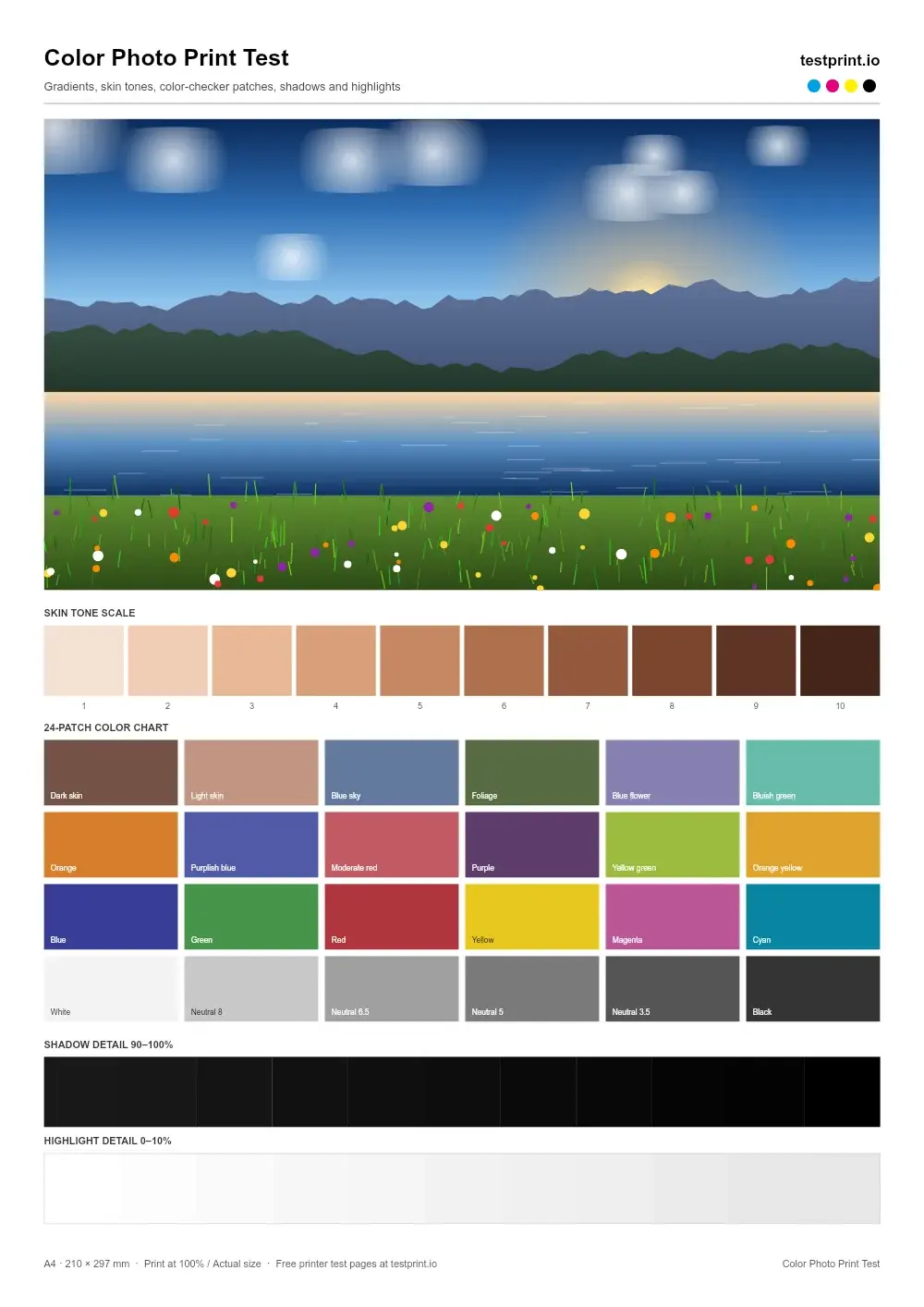
Live preview — the printed page is generated at 300 DPI
In the print dialog choose Actual size / 100% and turn off “Fit to page”.
Check ink or toner levels, connect the printer by USB or Wi-Fi, and load clean paper that matches the selected size.
Click Print to open your browser's print dialog, or download the PDF and press Ctrl + P (Cmd + P on Mac).
Select your physical printer, set scale to 100% / Actual size, and turn off Fit to page, grayscale and draft modes.
Let the ink dry, then check it under neutral light. Keep it to compare with a reprint after any fix.
Usually clogged nozzles (inkjet) or dirty rollers.
Low ink or toner, or draft / eco mode switched on.
Printhead misalignment — run an alignment routine.
Calls for printhead alignment and color calibration.
Brand-specific steps:
Photo & Pro
Use this high-resolution color printer test page when prints look blurry or lack fine detail.
Photo & Pro
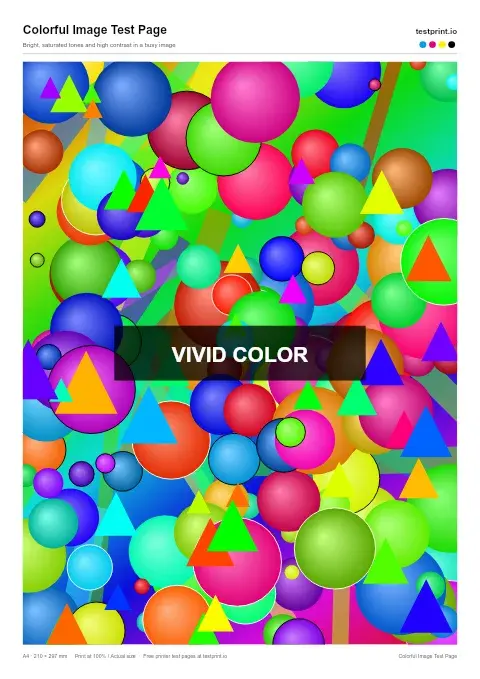
Use this vibrant test print page to check contrast and bright, saturated tones in a busy image.
Photo & Pro
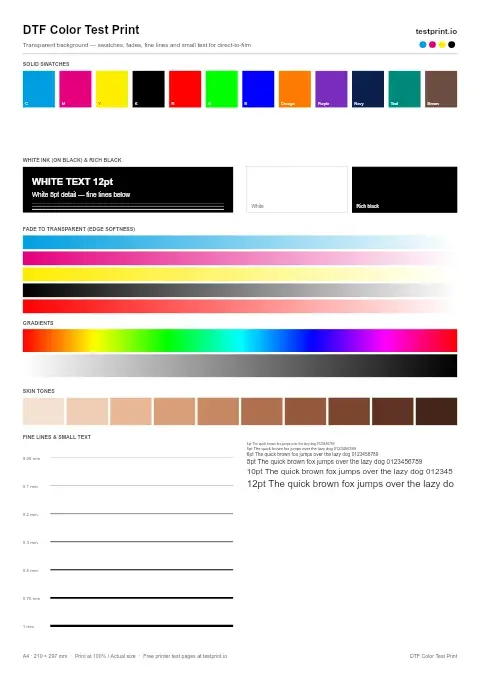
Designed for direct-to-film printers to test transfer colors, consistency, and overall color reproduction.